Skip to content

3D CONFIGURATION & COMMERCE

Complex products.
Faster quotes.

Turn your catalog into an interactive buying experience. Spokbee’s 3D product configurator connects your product options, engineering rules, and pricing so buyers can explore — and your team can quote complex custom products faster.

Or start building free
Your brandYour engineering rulesInteractive 3D

POWERING PRODUCT EXPERIENCES FOR

ForgelineDragonfirePL CustomStor-LocMezcoAlba Racing

CUSTOMER STORIES

Real products.
Real business impact.

Precision wheels. Complete workspaces. Custom vehicles. Explore the product experiences manufacturers build with Spokbee.

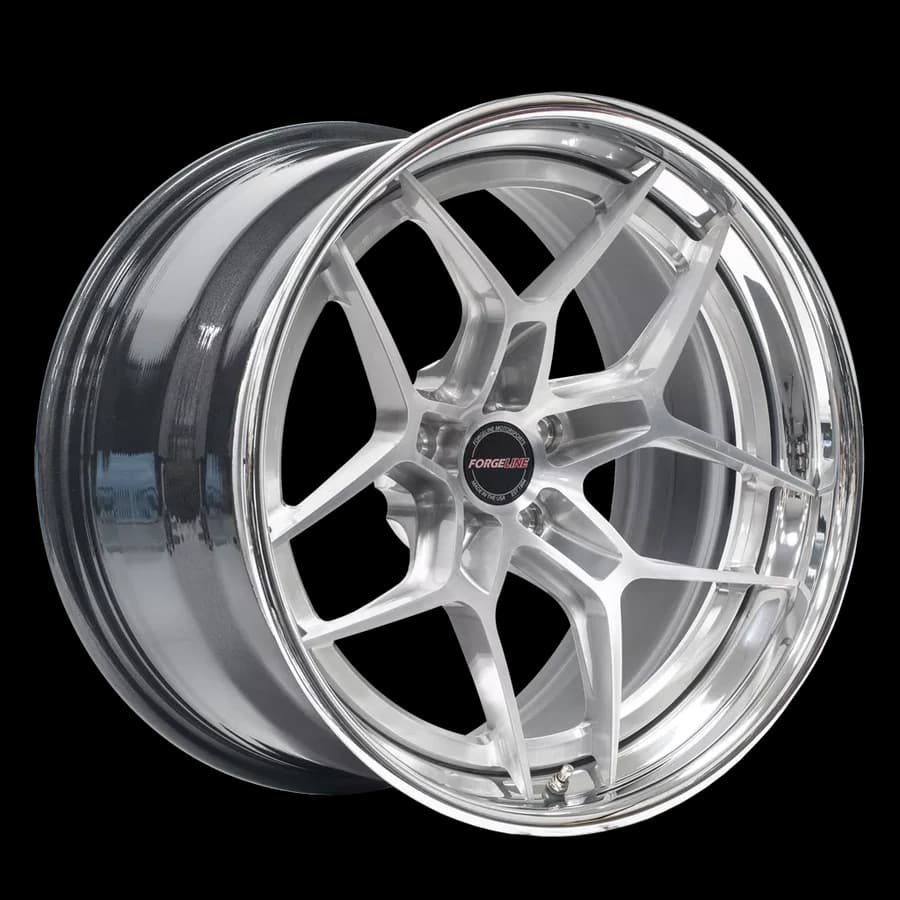
Forgeline AL309 three-piece forged wheelForgeline

PERFORMANCE WHEELS

Precision products. Personalized online.

Bring the choices behind a custom wheel into focus. Explore Forgeline’s Spokbee-built configurator and see how finishes and components become a visual buying experience.

Every detaila visual experience for custom wheels
Visual configurationBrand experience
Explore configurator
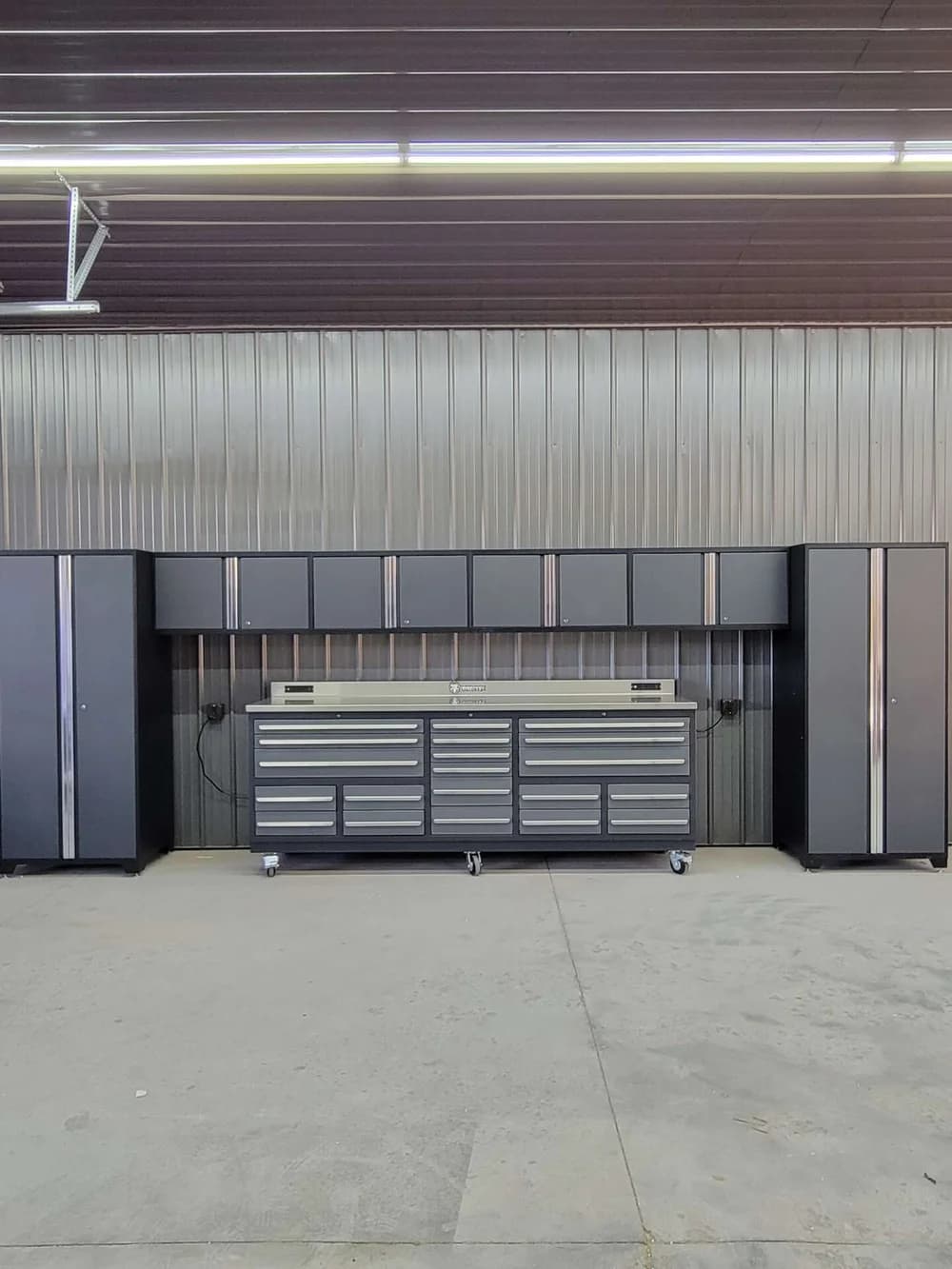
Dragonfire tool cabinets and workbench installed in a workshopDragonfire

GARAGE & TOOL STORAGE

Sell the whole space. Not just a cabinet.

Help buyers picture their next workspace. Dragonfire’s room planner lets customers arrange tool storage in a spatial experience, connecting individual products to a complete layout.

Plan in 3Dfrom individual cabinets to a complete workspace
Room planningDrag-and-drop layouts
Explore room planner
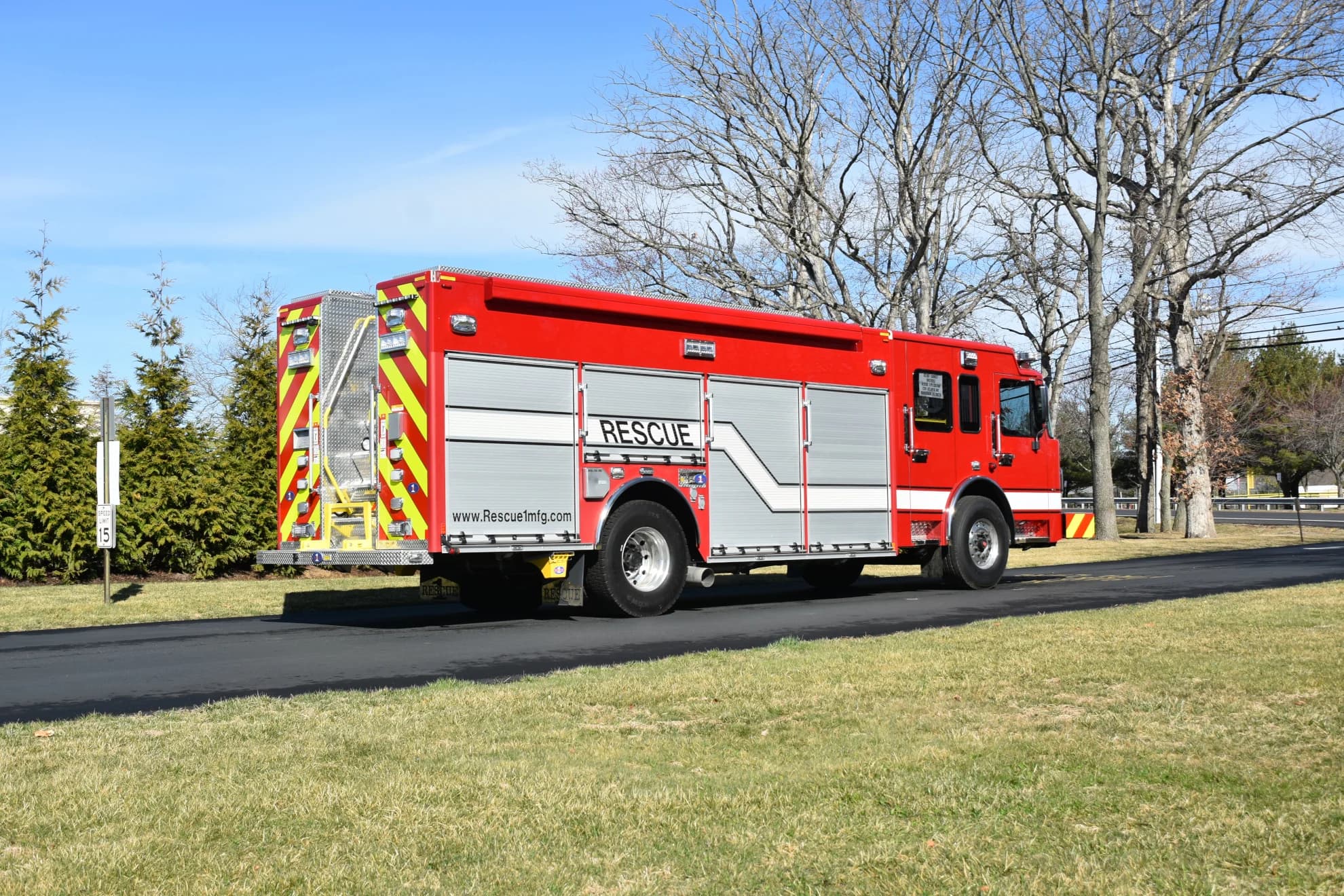
Red Rescue 1 emergency rescue truck parked outdoorsPL Custom

CUSTOM EMERGENCY VEHICLES

From custom configuration to the factory floor.

Spokbee reduced PL Custom’s time to quote from two years to a few days. Each configuration also delivers 2D drawings, giving engineers the details they need to manufacture the configured vehicle.

2 years → daystime to quote reduced to a few days
Faster quoting2D engineering drawings
Discuss this project
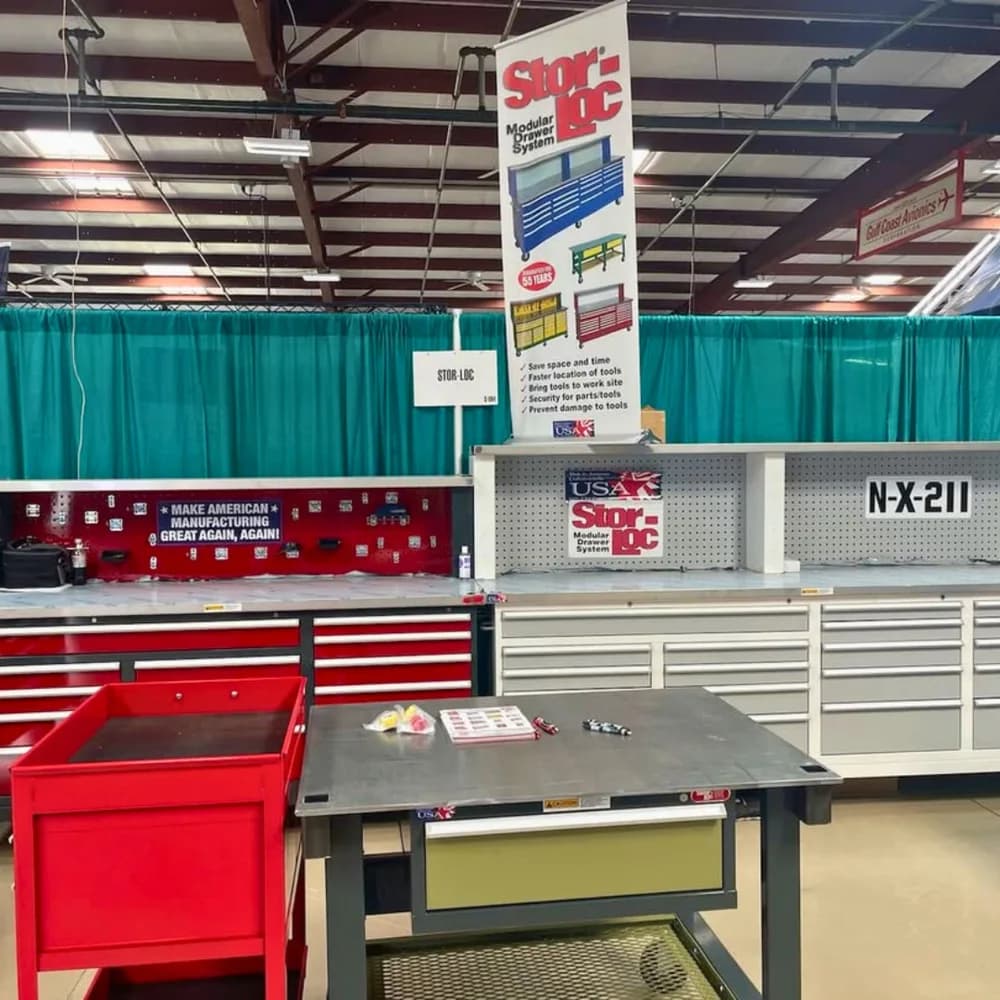
Stor-Loc modular tool cabinets and workbenches on displayStor-Loc

INDUSTRIAL STORAGE

Heavy-duty products. A lighter sales process.

Stor-Loc replaced manual calculations and 2D drawings with visual configuration and automated quoting, giving customers a way to explore before they speak to sales.

50%less time on routine quotes
3D configurationSelf-service quoting
Read customer story

What could this look like for your products?

Let’s explore your use case

AN INTERACTIVE CATALOG

Your catalog.
Built to be explored.

Let buyers explore what you can make. Turn product options, finishes, and dimensions into a visual experience that helps them find the right configuration.

Experience it with Forgeline
FROM PRODUCT KNOWLEDGE TO BUYER EXPERIENCE
Your Workspace
+  New Configurator
Products17
COMMERCE
Quotes1
Approvals
Orders3
INTELLIGENCE
Analytics
Insights
Agent Analytics
PLATFORM
Billing
Payments
Integrations
Team
✦ AI CreditsEnterprise
W
You
you@yourcompany.com
Products
Search…⌘K
☀W
←Custom Door✓ Saved
HistorySave VersionExportTestPublish
Chat
Assets
3D Scene
Assignments
Rules
Style
Features
Share & Embed
AIAIProduct InfoParametersPricingConstraintsPublish
Hi! I'm Spokbee. Tell me about the product you want to configure.
Build a configurator for custom hollow-metal doors + hardware prep
✓ Product Info Set
$ Base Price Set$480
✓ ParameterHanding · Added
Drop a spreadsheet here
Describe my productImport from URLLoad from CSVUse a template
Describe your product…▍
◉ Preview✎ Edit
Hollow Metal Door — HM-1
MARK HM-1 · Hollow Metal · 16 ga
● Building…
ELEVATIONLH · single · 1¾″
IDENTITY
Quantity−4+
HandingLHRH
Fire rating90 min · UL
CONSTRUCTION
Thickness1¾″
Gauge16 ga
MaterialGalvanneal
SIZING
Nominal3′-0″ × 7′-0″
Clearance⅛″ · ¾″ UC
HINGES
(3) BB buttAUTO4½ × 4½
LOCK PREP
161 cylindricalAUTO2¾″ BS
Deadboltmortise · DB
STRIKES
(1) ASA strikeAUTOopp. hinges
Add Line Item
AI-assisted builder walkthroughBuild your first experience

DESIGNED TO MOVE BUYERS FORWARD

01

Let buyers see the possibilities.

Explore products in 3D. Compare options, materials, and finishes in context.

02

Guide them with your expertise.

Apply your product rules as buyers choose, so the configuration reflects what you can make.

03

Start the conversation with a configuration.

Give sales a clear picture of what the buyer wants, ready for the next step.

YOUR CATALOG, CONNECTED TO AI BUYERS

Be discovered.
Be ready for the next step.

When a buyer uses an AI assistant, your product knowledge should be part of the conversation. Give connected assistants a way to explore your catalog and turn a request into a configured quote.

01 / DISCOVERY

Get Found by AI

Help assistants understand what you sell.

Make your published products, specifications, and configurable options available to compatible AI assistants, so they can explore your range in the context of a buyer’s requirements.

  • Published catalog
  • Product specifications
  • Available options
Explore AI product discovery
02 / ACTION

Agentic Selling

Turn product interest into a configured quote.

Let connected agents check selections, calculate prices, and prepare quotes using your product rules. When checkout is enabled, they can provide a link for the buyer to review and complete the purchase.

  • Validated selections
  • Your pricing rules
  • Configured quotes
See how agentic selling works
MCPModel Context Protocol

The connection between your catalog and the assistant.

Spokbee’s MCP tools let compatible assistants discover products, validate configurations, and request quotes. You control which products and actions they can access through your published catalog and permissions.

Explore MCP tools

SOLUTIONS / FROM FIRST LOOK TO FINAL SPEC

Complex products.
More ways to move forward.

Help customers see the possibilities, give sales the tools to quote, and connect their choices to engineering. Spokbee brings your product knowledge into every step.

WHAT DO YOU WANT TO ENABLE?

FOR BRANDS & PRODUCT TEAMS

Let customers see exactly what they’re choosing.

Turn a catalog of options into a product buyers can explore. Let them compare finishes, select components, and see their choices in 3D, with your product rules guiding every decision.

  • Interactive materials, finishes, and components
  • Compatibility rules that guide valid combinations
  • Branded experiences embedded on your website
WHAT YOU GET

A configured product with the buyer’s selections, ready to share with sales.

Explore the Forgeline configurator
CUSTOM WHEELS, MADE PERSONAL
Forgeline AL309 three-piece forged wheelForgeline
VisualizePersonalizeConfigure

Your product knowledge, connected.Options, compatibility, and pricing rules support the experiences you build.

Explore the connections
IN PRACTICE / PL CUSTOM

A faster quote is only the beginning.

TIME TO QUOTE

2 yearsA few days

Configured vehicles, with 2D drawings that carry customer choices into manufacturing.

Start with your products. Build the workflow around them.

Let’s map out your solution

A FEW THINGS YOU MAY BE WONDERING

Built for your products.
Ready for your questions.

Evaluating Spokbee for your business? Let’s talk through the details.

Talk to our team
What kinds of products can I configure?

Spokbee supports products with options, dimensions, materials, finishes, and compatibility rules. You can build guided option selectors, visual 3D configurators, or spatial planners for arranging multiple products. Start with one product line and expand as you refine your buying experience.

How do we get started with our product data?

Start with a product description or spreadsheet and use AI to help create your options and rules. Add your product assets, configure pricing, and review the experience before publishing. A demo is a good place to discuss your catalog, CAD assets, and integration requirements with our team.

Can this work on our existing website?

Yes. You can embed a configurator on your existing website or share a hosted experience. Spokbee supports your branding and responsive layouts, so customers can configure products across desktop and mobile. You can also provide a gated experience for dealers and distributors.

How do product rules and pricing work?

You define product options, dependencies, constraints, and pricing logic. The configurator applies these rules as buyers make selections. Your team can review and update the product setup as your catalog changes, keeping the buying experience aligned with your business rules.

Does Spokbee connect to CAD and our other systems?

Spokbee supports Onshape CAD integration, along with APIs and webhooks for connecting configuration data to other workflows. Available integrations and features depend on your plan and setup. We can review the requirements for your CAD, commerce, CRM, and operations systems in a demo.

Can we try the platform before choosing a plan?

Yes. The free Starter plan lets you explore the builder with an initial allocation of AI credits and 3D model uploads. If you are evaluating a larger rollout, book a demo to discuss product complexity, dealer access, integrations, and the right plan for your team.

LET’S BUILD YOUR NEXT SALES ADVANTAGE

Bring your catalog to life.
Move from choice to quote.

Show us your product range and quoting process. We’ll explore how Spokbee can engage your buyers and connect sales with engineering.

Book a personalized demo Start building free Explore the platform. Discuss your use case.